
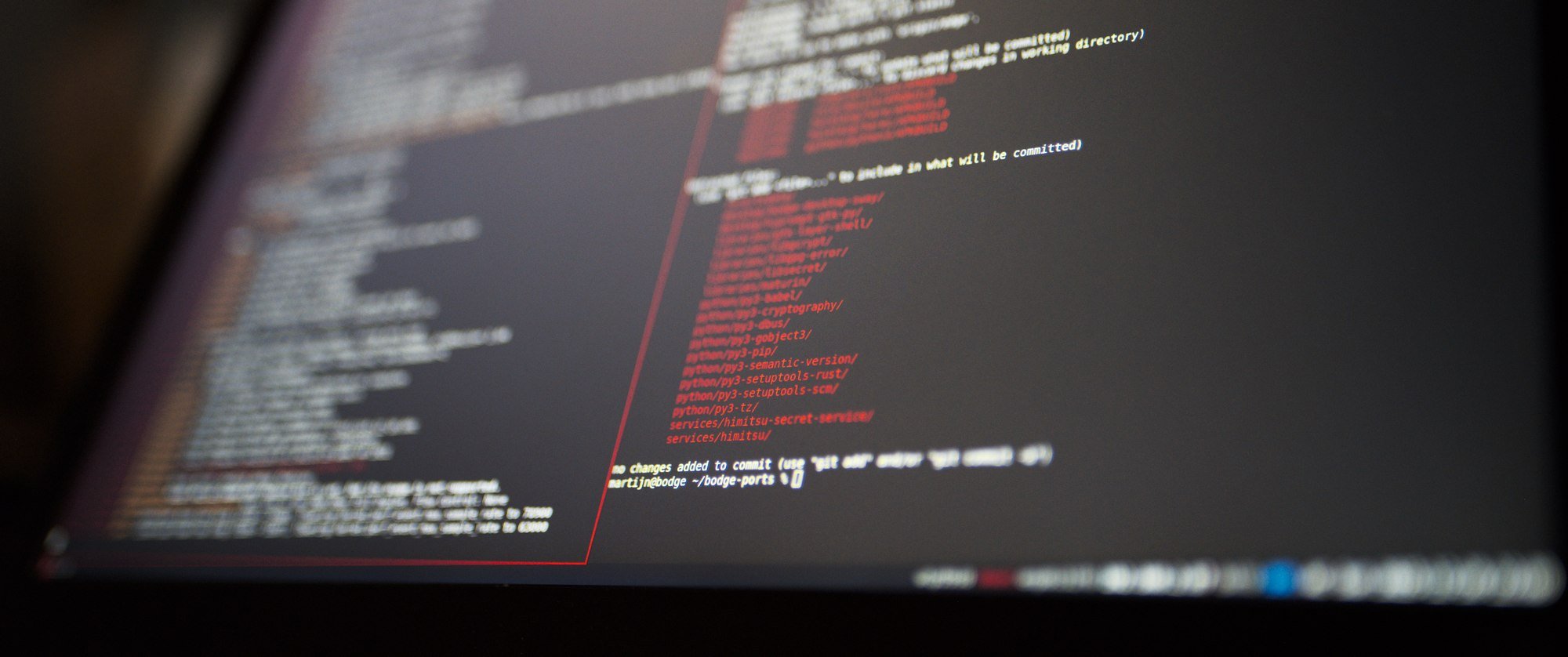
For a few weeks now the SSD in my Thinkpad x280 I use for traveling has been slightly broken. For some moments the laptop would lock up completely for a few seconds, which I originally thought was just memory pressure because it only has 8GB of RAM. Now a week ago my new SSD arrived and I once again had to make a choice of what to install on it. Last year I just quickly threw an Ubuntu install on it because I needed my laptop to Just Work™ for FOSDEM but I wanted to try to get more of BodgeOS working this time.
I did once again figured out how to make a base install of BodgeOS from the repositories and started packaging more software I'd need. My goal is have a nice working bodge-desktop-sway package that installs all the stuff I need to have a nice Sway based desktop running with some BodgeOS theming.
PAM
The first hurdle is dealing with PAM, the Pluggable Authentication Module framework for Linux. This is where I got annoyed enough to give up 6 months ago because I could not get anywhere with it.
While the name suggests PAM just deals with authentication the pluggable nature also means that it's used to do all other fun bits of session management, the part had not working was the missing XDG_RUNTIME_DIR variable I need to launch sway.
The easy part was packaging pam itself and the pam config files I borrowed from Archlinux, that's the part I did 6 months ago. The annoying part is that it doesn't work and there is no error message anywhere...
So after some research I figured out that the way PAM gets involved in your authentication process is the login binary in Linux. Once BodgeOS gets through the boot process it will spawn agetty on /dev/tty1 and that will show the initial login prompt (as I don't have a graphical environment yet). The agetty process generates that login prompt with the login binary from the shadow package which actually handles authentication.
After a few hours of frustratingly debugging this I figured out that the issue is that I hadn't rebuild shadow with PAM support after packaging PAM. After this point all the debug messages actually started showing up and I could continue on debugging the rules in /etc/pam.d to make it actually do what I want.
The second part I needed to get my session registered in logind which will then make sure the XDG_RUNTIME_DIR variable is set and that directory is created. This is dealt with by pam_systemd.so which only needed to be inserted at the right spots in the PAM rules. Last time I looked at this I spend hours moving PAM rules around until I got any results but this time I actually read the man page for PAM which is suprisingly clear and concise.
After spending a bit of time on this and also rebuilding systemd with PAM support I finally managed to get both my session registered with logind and the environment set up correctly:
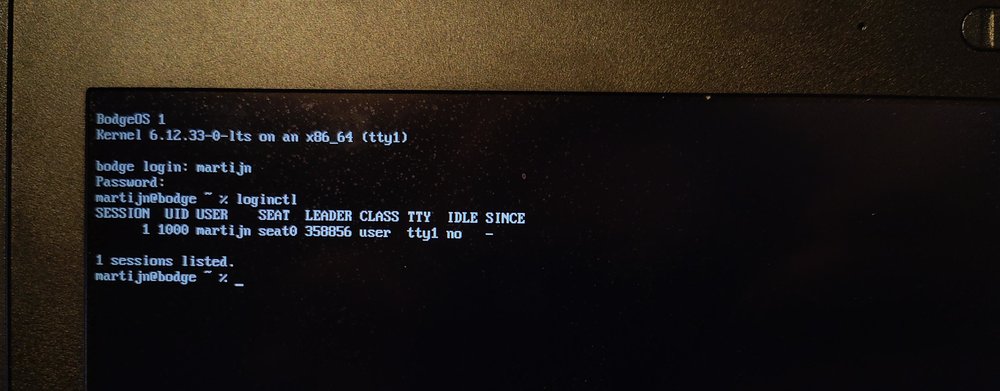
This also means I properly get a systemd user service manager spawned in my session which will be massively helpful later.
Ricing sway
Having an unconfigured sway session is helpful, but lacks a lot of features. The easy part was setting the BodgeOS wallpaper of course and that helps make it look a bit more like I'm running my own distro until I start software and the wallpaper is hidden again. It would also be convenient if I had a few more bits of information on the bar than only the current date and time and if notifications actually worked.
Getting more info on the bar is pretty easy, there's 100s of implementations for the status_command that will show information in the bar in more or less fancy ways. So I did the obvious thing and wrote the 101th one to do the exact same thing. This is mainly after I found out about swaybar-protocol(7) which specifies a json protocol to have more nicely styled data on the bar.
I wrote my new status command in Go because I found it a bit wasteful to just have a command running every second to generate the new status while there's a whole lot of mechanisms in Linux to get information immediately instead of polling. This also meant I first had to package Go in BodgeOS but that was luckily easily done in an hour.
The bodge-status command uses libudev to get realtime notifications about the power supply system in Linux to show the new battery and charging state immediately when I plug in or out my charger. It uses a netlink socket to get realtime updates on my network interfaces. This means that the status command is just being completely idle for 99.9% of the time it's running instead of constantly spawning subprocesses to query information that practically never changes.

The clock in this updates only once a minute, but exactly on the minute change. The AC indicator is white while power is plugged in and red when it isn't. For every battery in the system there's an indicator that's blue when charging and red/orange/white when not charging depending on the charge level.
The network interface status is red when the interface is down and orange when the interface is up but it has no gateway. White interfaces hava a path to a gateway and the interfaces are ordered based on the metric for the route to the default gateway.
I've also re-styled Sway to have a similar colorscheme:
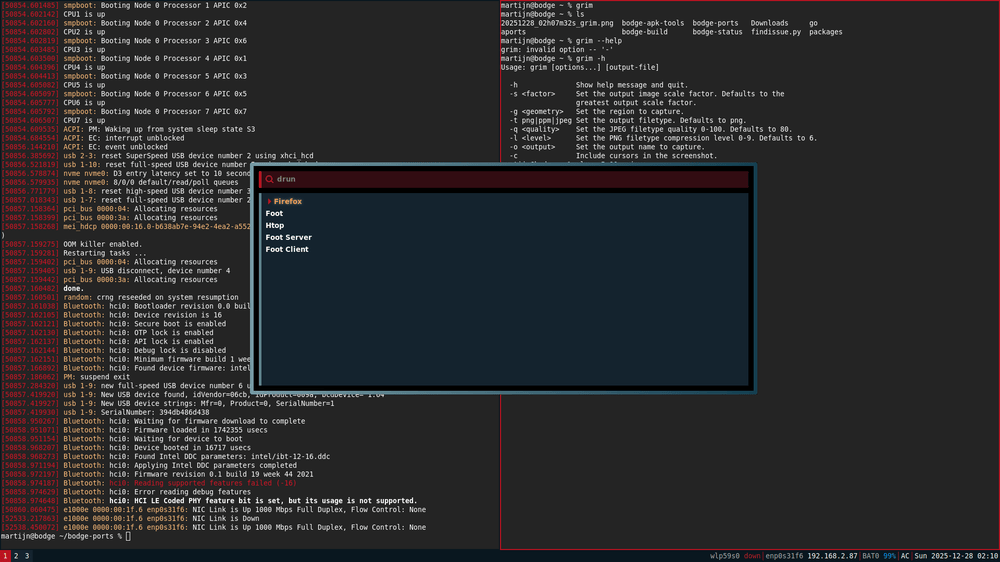
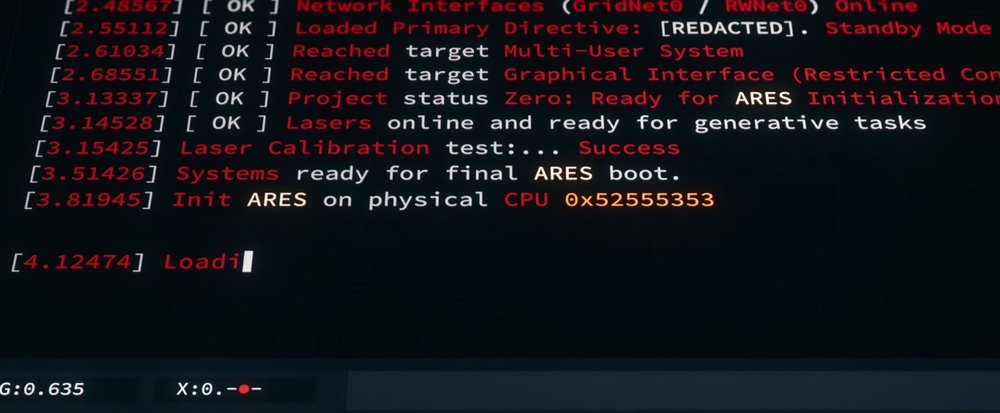
Here is sway in a red/black theme inspired by TRON:Ares (which was not a great film, but visually appealing).
The colors in the foot terminal emulator are also slightly shifted to fit the theme better and I've made a horrible looking (but good?) stylesheet for wofi so it doesn't look like gtk3 anymore.
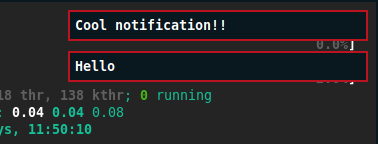
To complete it I've added mako for notifications.
The next thing I wanted to add was some audio status to bodge-status to complete it but for that I first needed to have working audio...
Pipewire
I had already packaged a bit of audio before because I needed it to build Firefox. I have a pulseaudio package but it is only building the client library and no part of the server. BodgeOS is intended to be a Pipewire distro and I'm packaging parts of other audio systems only for compatibility.
Packaging pipewire itself was pretty easy after disabling a lot of neat features I don't need yet because they have a lot of dependencies. In the end the only big dependency I needed to package was lua which I've been avoiding.
The build system in Lua is apparently a bit messy, to the point that distributions have either patches to add new targets in the Makefile or even use autotools to make it better. I ended up starting from the Alpine build script with some inspiration from the Archlinux one and got a Lua system to build after figuring out at what spots to inject a version number suffix in paths and filenames.
This also means the apk-tools in BodgeOS is now rebuild against Lua and finally has it's built-in help pages working after finding a bug in APK that hardcodes it to Lua 5.3 even when specifying other lua versions to the Makefile.
After getting Pipewire build I found I also needed a session manager so added Wireplumber to the mix and thanks to logind now working properly it all just gets launched when needed.
I still haven't implemented a volume applet yet for bodge-status since using libpipewire is painful and seems like it's the only way to get notified of changes to the volume.
Secret Service
The next up on my list is having org.freedesktop.secrets available in my session so applications can store login information. For this I decided to run Himitsu to store the secrets in combination with himitsu-secret-service to have it respond on dbus. Packaging Himitsu was pretty quick after updating Hare in BodgeOS since my build was quite old, I had to spend a bit more time to get the password prompt working with hiprompt-gtk-py that I wrote a while back for Himitsu.
Technically hiprompt-gtk-py is deprecated since there's a new GTK4 based unlocker but I don't have GTK4 packaged yet but even with the GTK3 version I still had to package a few additional GTK3 dependencies. I should probably also patch in a stylesheet system like wofi has so I can give it similar theming.
Then my progress grinded to a halt getting to the dbus parts. I finally had to package py3-cryptography which means I have a bunch of crypto libs to package and also get rust-in-python working. In the process of doing this I rebuilt python and was suprised pip3 was no longer part of my python package...
Python issues
I spend a few hours rebuilding python now and not getting a pip3 binary anymore. It's pretty annoying to find any relevant information in the build output since there is just so many verbose messages.
I ended up learning that ensurepip is used for creating the pip3 command I need but somehow it's not running...
Update: it is running but it's deciding to not install the pip3 binary because it found a pip3 binary from my other python build already in my host system... So if I install a broken python3 package I don't have /usr/bin/pip3 on the host system available anymore and the new package that's build will contain pip3 but if I then install that build and run a build again it will not package a pip3 binary...
Also if I run python3 -m ensurepip it will put a pip3 binary in my homedirectory which will mess with builds because the ensurepip call in the Python build system will be like "No we have pip3 at $HOME" and not install the binaries I need. This is probably one of the more annoying build systems I've encountered so far... This is pretty problematic because the build server for BodgeOS is written in python.
Conclusion
I made a lot of progress, have a laptop I can actually somewhat use now as long as I'm tethered to ethernet. This is already the 100th time I had to rebuild python because of weird issues and I'm getting pretty annoyed by it. Still have quite a few things on my to-do list to get running before general use:
- Package the required parts for making WiFi work
- Write a network manager to replace NetworkManager
- Finish getting the secret service working
- Get some video codecs packaged, possibly a slim build of ffmpeg
- Package java
- Figure out screen locking in Sway
- Make sure I can build firmware for the FOSDEM video boxes on this
Maybe I'll get another update post for BodgeOS out this year, maybe next year. In any case happy new year soon!